Process: Generate PO from Sales Order
[Created: 09/12/2002 - Updated: 10/03/2022 ]
Description: Create Purchase Order from Sales Orders
Help: After completing sales orders, you can create one or more purchase orders for each sales order. A purchase order references always only one sales order (i.e. no consolidation of sales orders). The Organization of the Sales Order is used to create the Purchase Order. If a (default) PO document type is defined on Organization level, that is used instead of the document types defined on Tenant level.POs are created for all sales order lines where the product has a current vendor, the vendor has a Vendor Price List with all Products on the most current Price List Version. The Unit of Measure is copied; PO and SO can have different currencies.Once the process is run, you need to synchronize the SO/PO manually (e.g. in case of additional lines and changed lines (product & quantity).
Class: org.compiere.process.OrderPOCreate
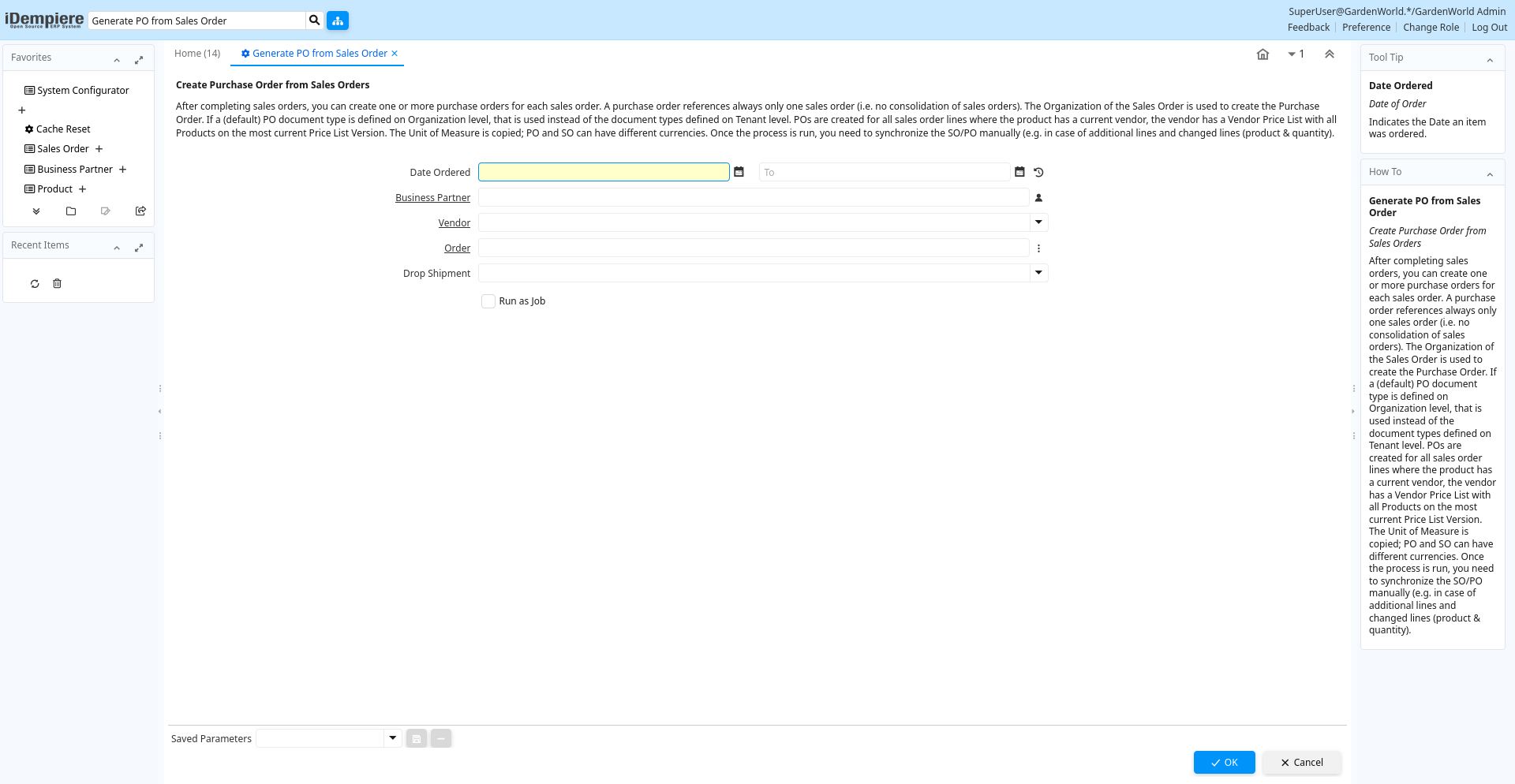
Table: Process Parameters
| Name | Description | Help | Technical Info |
|---|---|---|---|
| Date Ordered | Date of Order | Indicates the Date an item was ordered. | DateOrdered Date |
| Business Partner | Identifies a Business Partner | A Business Partner is anyone with whom you transact. This can include Vendor, Customer, Employee or Salesperson | C_BPartner_ID Search |
| Vendor | The Vendor of the product/service | Vendor_ID Table | |
| Order | Order | The Order is a control document. The Order is complete when the quantity ordered is the same as the quantity shipped and invoiced. When you close an order, unshipped (backordered) quantities are cancelled. | C_Order_ID Search |
| Drop Shipment | Drop Shipments are sent directly to the Drop Shipment Location | Drop Shipments are sent directly to the Drop Shipment Location using the Drop Ship Business Partner name and contact. | IsDropShip List |