Process: Send Mail Text
[Created: 04/08/2003 - Updated: 10/03/2022 ]
Description: Send EMails to active subscribers of an Interest Area OR a Business Partner Group from a selected User
Help: Select the Interest Area to which subscribers you send the Mail Text from the User selected. Additionally, you can send mails to the Contacts of a Business Partner Group.The User to send emails from needs to have valid EMail information. If you don't select a user, the Mail is sent from the Tenant's Request Mail User.
Class: org.compiere.process.SendMailText
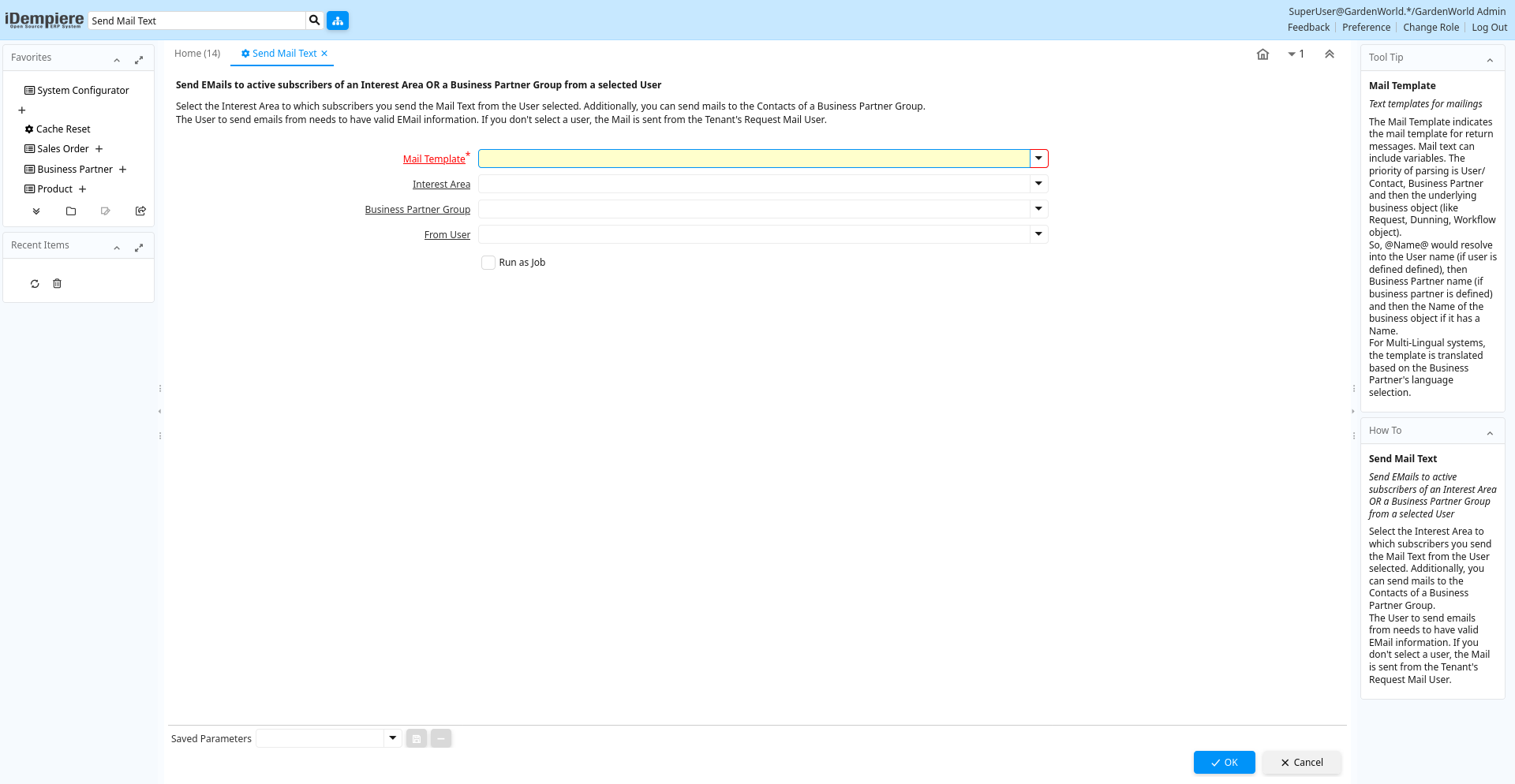
Table: Process Parameters
| Name | Description | Help | Technical Info |
|---|---|---|---|
| Mail Template | Text templates for mailings | The Mail Template indicates the mail template for return messages. Mail text can include variables. The priority of parsing is User/Contact, Business Partner and then the underlying business object (like Request, Dunning, Workflow object).So, @Name@ would resolve into the User name (if user is defined defined), then Business Partner name (if business partner is defined) and then the Name of the business object if it has a Name.For Multi-Lingual systems, the template is translated based on the Business Partner's language selection. | R_MailText_ID Table Direct |
| Interest Area | Interest Area or Topic | Interest Areas reflect interest in a topic by a contact. Interest areas can be used for marketing campaigns. | R_InterestArea_ID Table Direct |
| Business Partner Group | Business Partner Group | The Business Partner Group provides a method of defining defaults to be used for individual Business Partners. | C_BP_Group_ID Table Direct |
| From User | Send EMail from user | The email is sent from the user selected - otherwise it is sent from the request email address of the tenant | AD_User_ID Table |