Window: Schedule
[Created: 18/09/2012 - Updated: 27/09/2012 ]
Description: Times for the scheduler
Help:
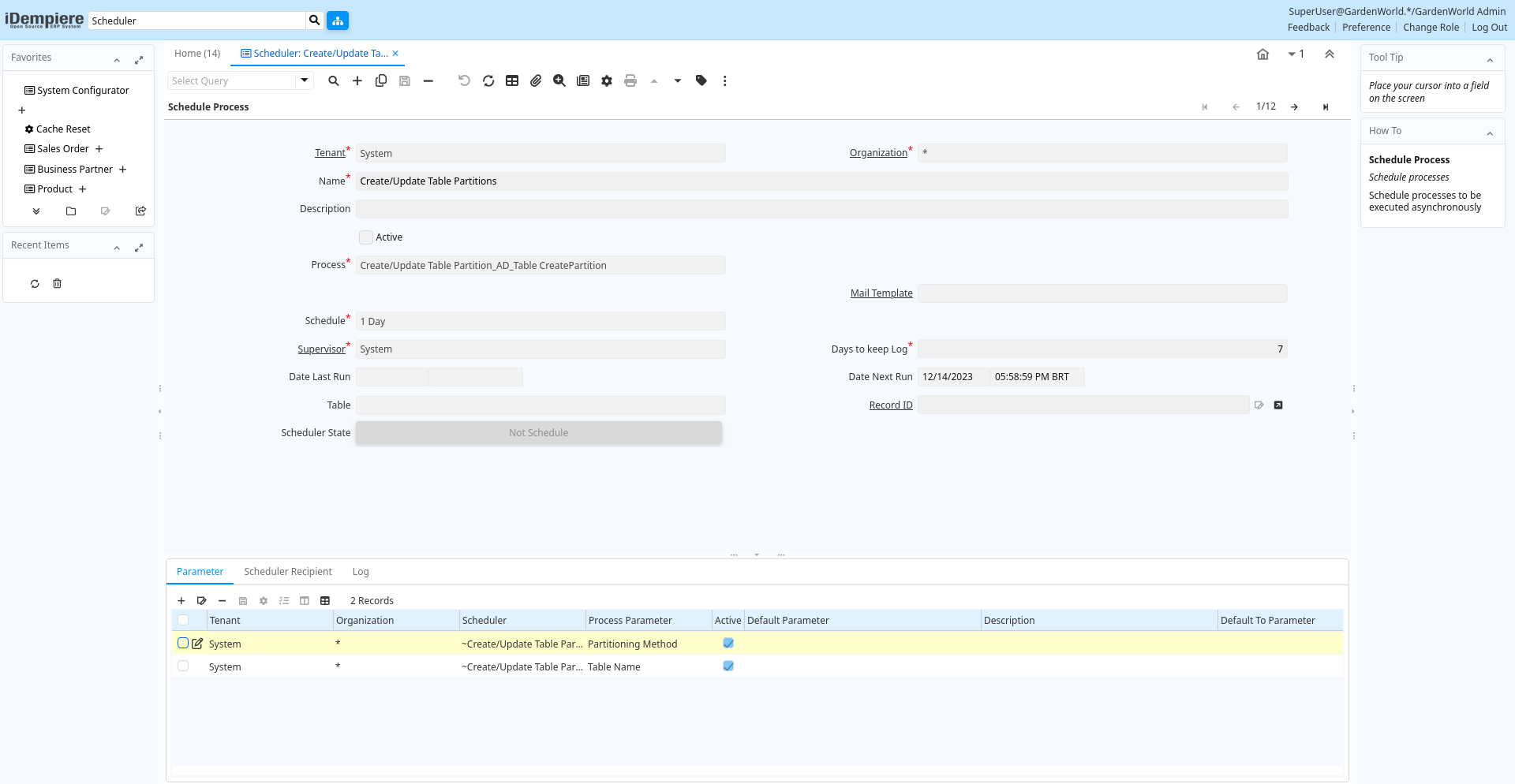
Tab: Schedule
[Created: 18/09/2012 - Updated: 18/09/2012 ]
Description: Schedule
Help:
Tab Level: 0
Table 10: Schedule - Fields
Table: Report Parameters
| Name | Description | Help | Technical Info |
|---|---|---|---|
| Tenant | Tenant for this installation. | A Tenant is a company or a legal entity. You cannot share data between Tenants. | ad_schedule.AD_Client_ID numeric(10) Table Direct |
| Organization | Organizational entity within tenant | An organization is a unit of your tenant or legal entity - examples are store, department. You can share data between organizations. | ad_schedule.AD_Org_ID numeric(10) Table Direct |
| Name | Alphanumeric identifier of the entity | The name of an entity (record) is used as an default search option in addition to the search key. The name is up to 60 characters in length. | ad_schedule.Name character varying(60) String |
| Description | Optional short description of the record | A description is limited to 255 characters. | ad_schedule.Description character varying(225) String |
| Schedule Type | Type of schedule | Define the method how the next occurrence is calculated | ad_schedule.ScheduleType character(1) List |
| Frequency Type | Frequency of event | The frequency type is used for calculating the date of the next event. | ad_schedule.FrequencyType character(1) List |
| Cron Scheduling Pattern | Cron pattern to define when the process should be invoked. | Cron pattern to define when the process should be invoked. See http://www.sauronsoftware.it/projects/cron4j/api/it/sauronsoftware/cron4j/SchedulingPattern.htmlIf set, the time zone from tenant info is used. Otherwise, use the default JVM time zone at the server. | ad_schedule.CronPattern character varying(255) String |
| Frequency | Frequency of events | The frequency is used in conjunction with the frequency type in determining an event. Example: If the Frequency Type is Week and the Frequency is 2 - it is every two weeks. | ad_schedule.Frequency numeric(10) Integer |
| Run only on IP | ad_schedule.RunOnlyOnIP character varying(60) String | ||
| System Schedule | Schedule Just For System | ad_schedule.IsSystemSchedule character(1) Yes-No | |
| Ignore Processing Time | Do not include processing time for the DateNextRun calculation | When this is selected, the previous DateNextRun is always use as the source for the next DateNextRun calculation. | ad_schedule.IsIgnoreProcessingTime character(1) Yes-No |
| Active | The record is active in the system | There are two methods of making records unavailable in the system: One is to delete the record, the other is to de-activate the record. A de-activated record is not available for selection, but available for reports.There are two reasons for de-activating and not deleting records:(1) The system requires the record for audit purposes.(2) The record is referenced by other records. E.g., you cannot delete a Business Partner, if there are invoices for this partner record existing. You de-activate the Business Partner and prevent that this record is used for future entries. | ad_schedule.IsActive character varying(1) Yes-No |